When to Add Manual Orders
Manual orders should be added when sales occur outside Shopify or for tracking one-time fees like rent. This ensures vendors' payouts are properly calculated and monitored.
Important: Manual orders added to VendorPayout are not synced back to Shopify.
Steps to Add a Manual Order
- Navigate to the Orders section in VendorPayout.

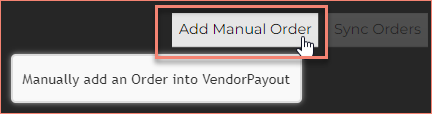
- Select the Add Manual Order button.
- Complete the required fields:
- Order ID/Name
- Date
- Product
- Price
- Vendor
- Vendor Payout
- Profit
- Optionally add the SKU.
- Click Save to add the order.

The new order will appear in the Orders Grid on the Orders page.
