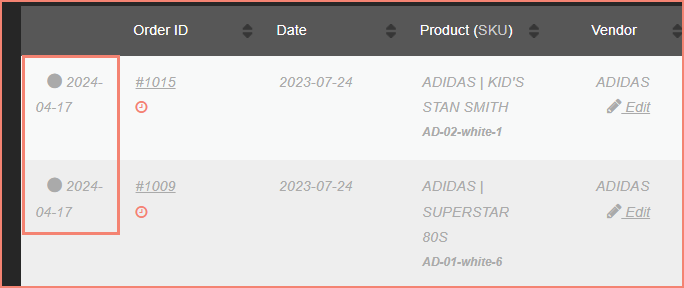
Bulk Mark as Paid
This feature allows you to efficiently update multiple vendor payouts as paid within a specified timeframe. This is useful when you've paid vendors outside of VendorPayout and need to update the records.
Steps
- Navigate to Settings in VendorPayout.

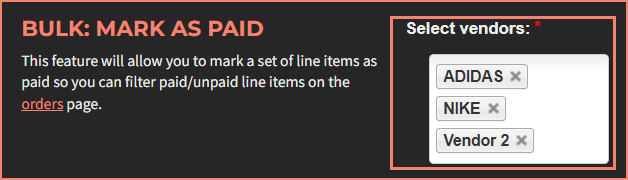
- Locate the "Bulk: Mark As Paid" section. Select the vendors whose payouts need marking as paid.
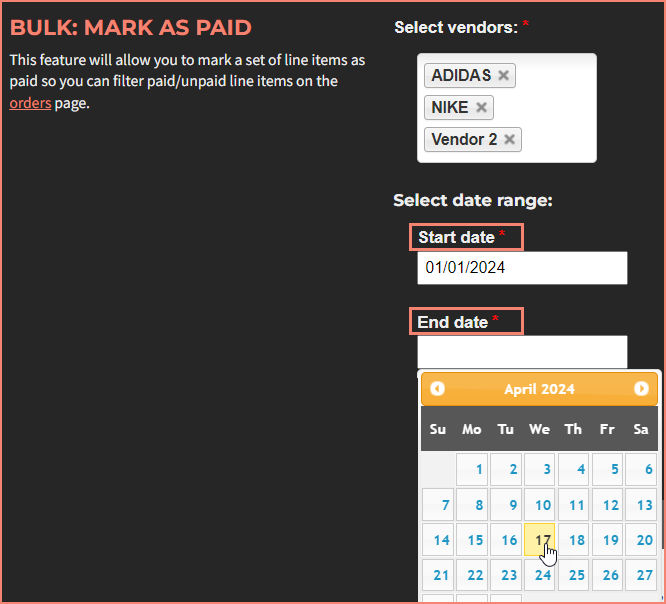
- Specify a start date and end date for the payout period.
- Click "Bulk mark as PAID".
What Happens Next
The system queues the job and provides a notification.
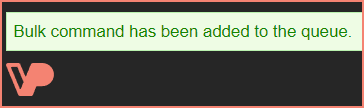
You can monitor progress through the "Status of Jobs/Queues" table within the same section. The process typically takes several minutes to complete.
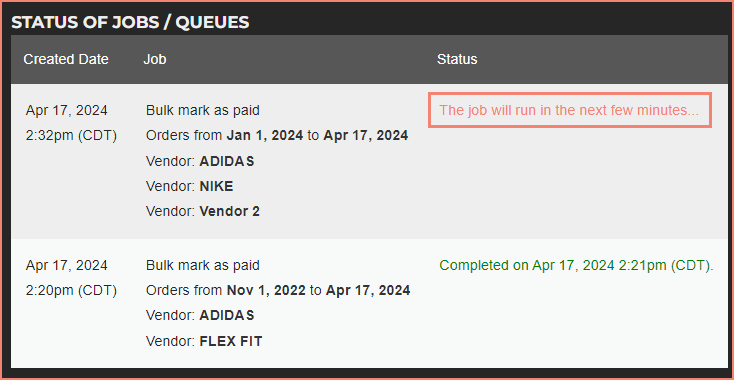
Once finished, the line items will appear as paid on the Orders page, allowing you to filter between paid and unpaid items.